How do I start from a template?
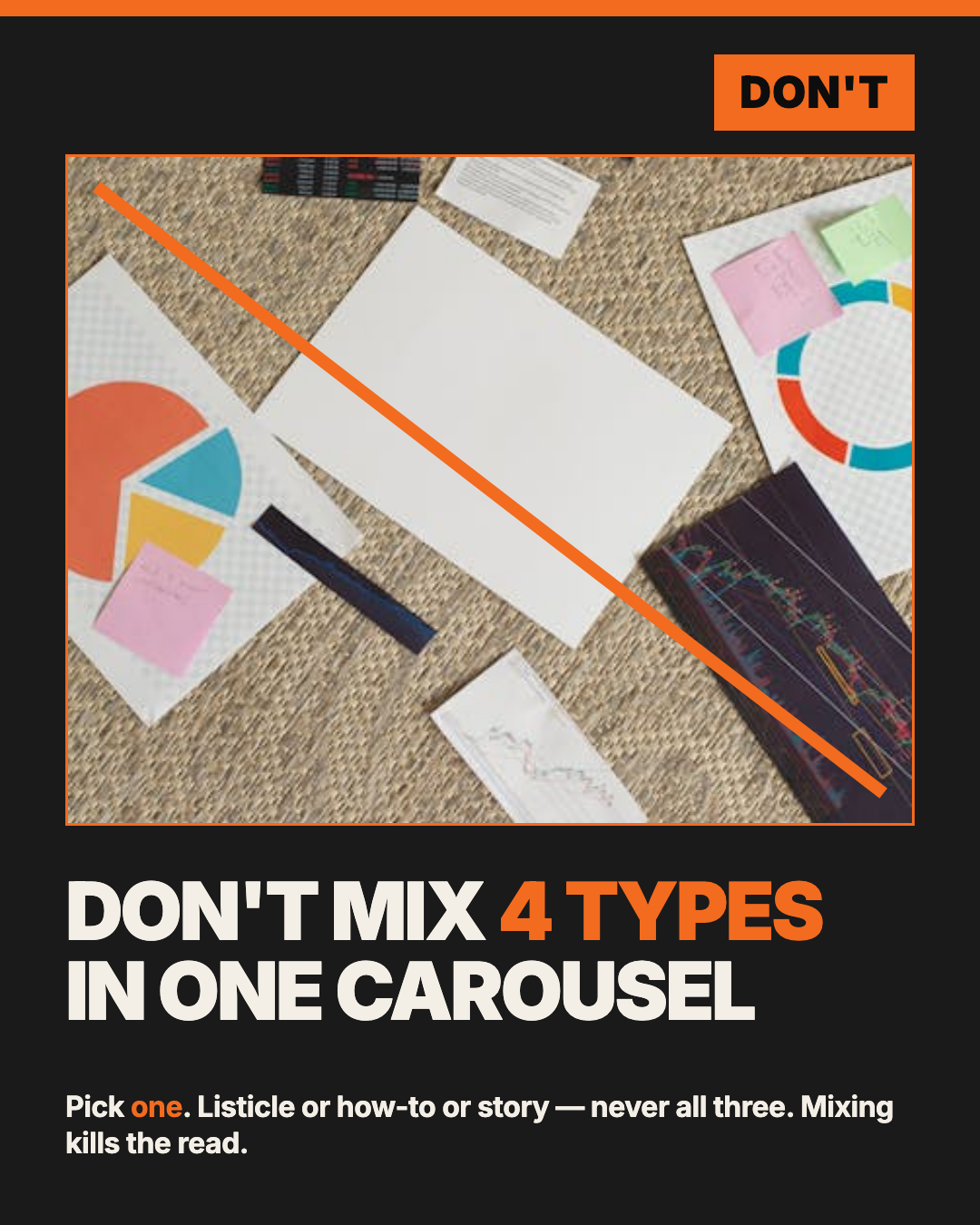
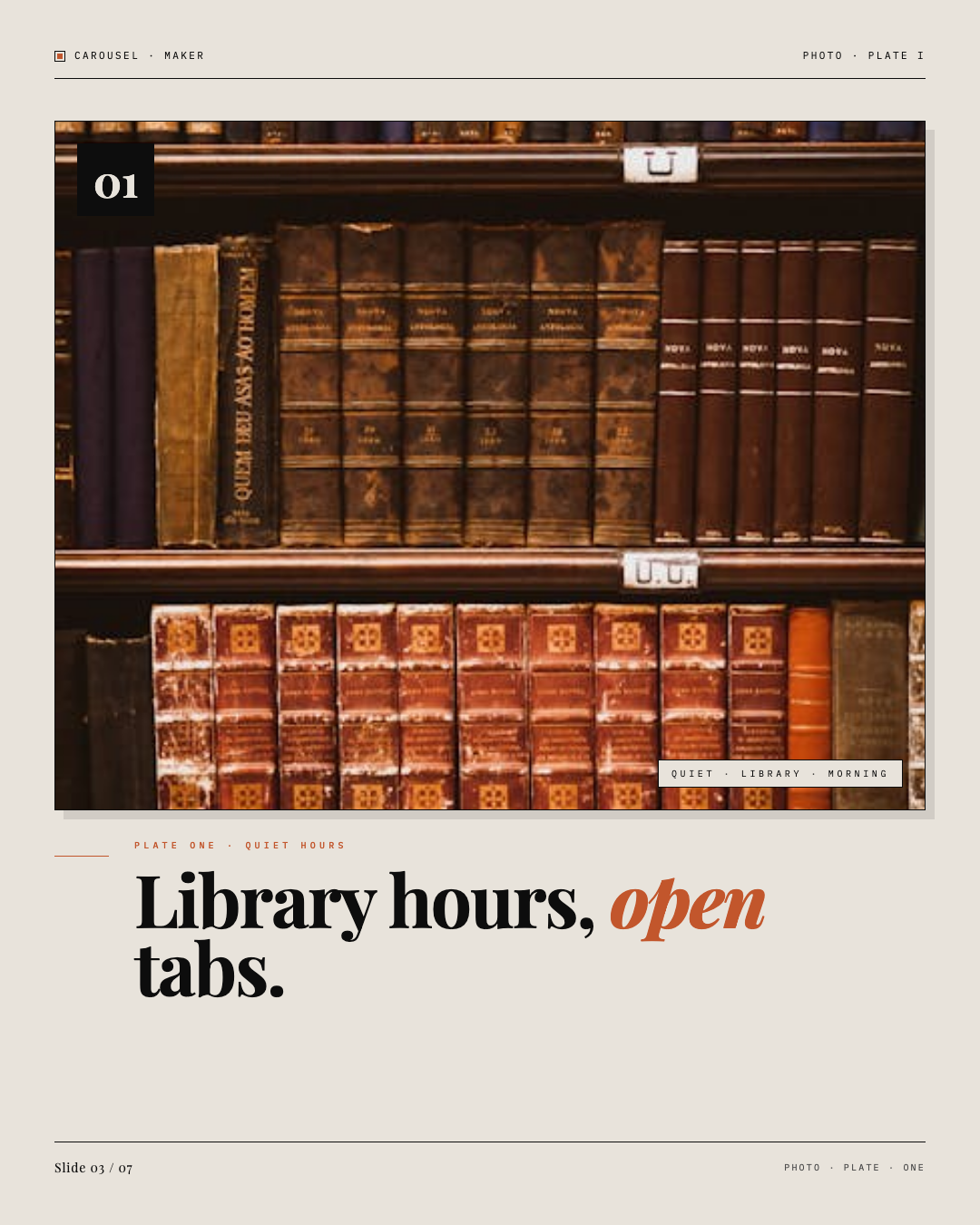
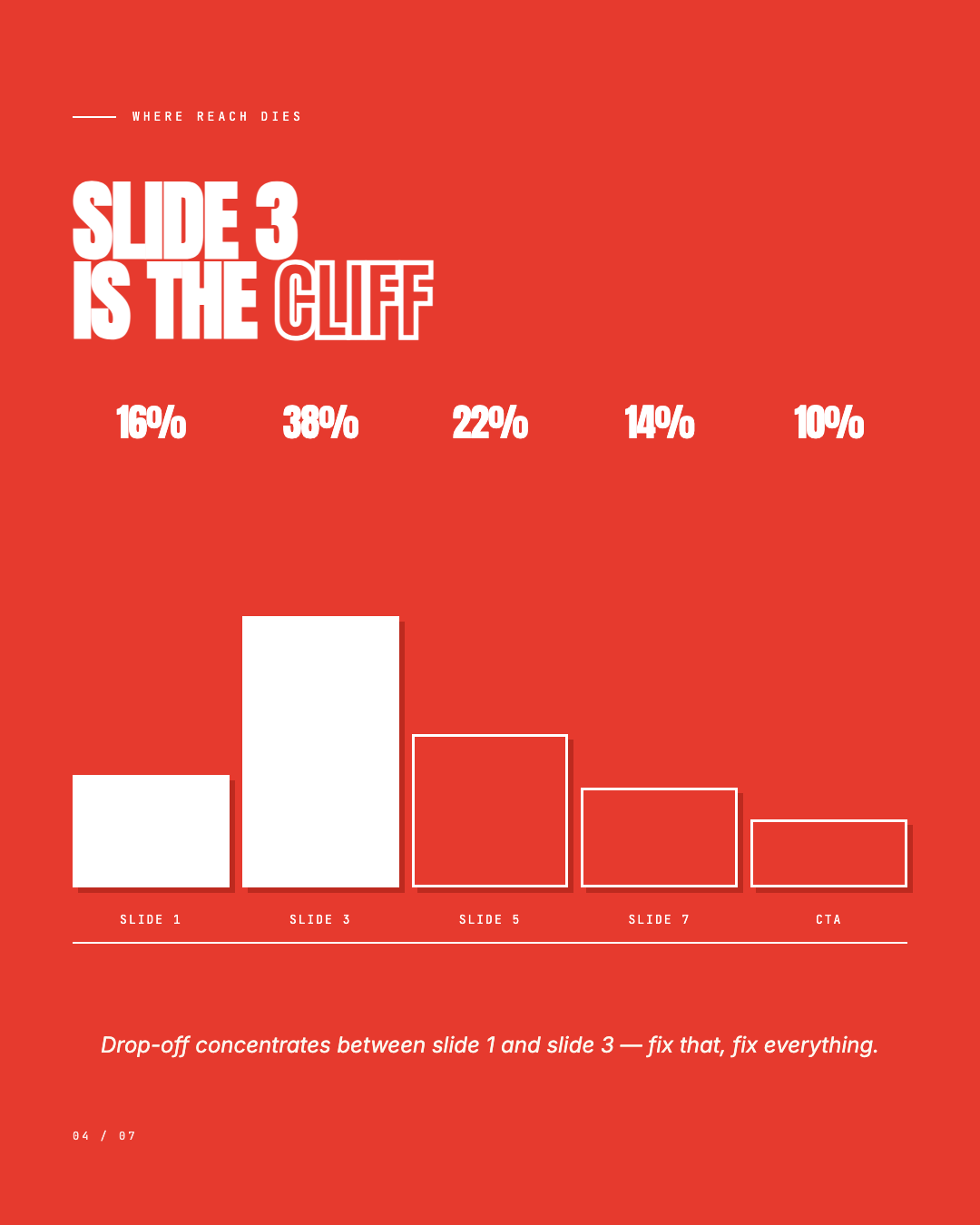
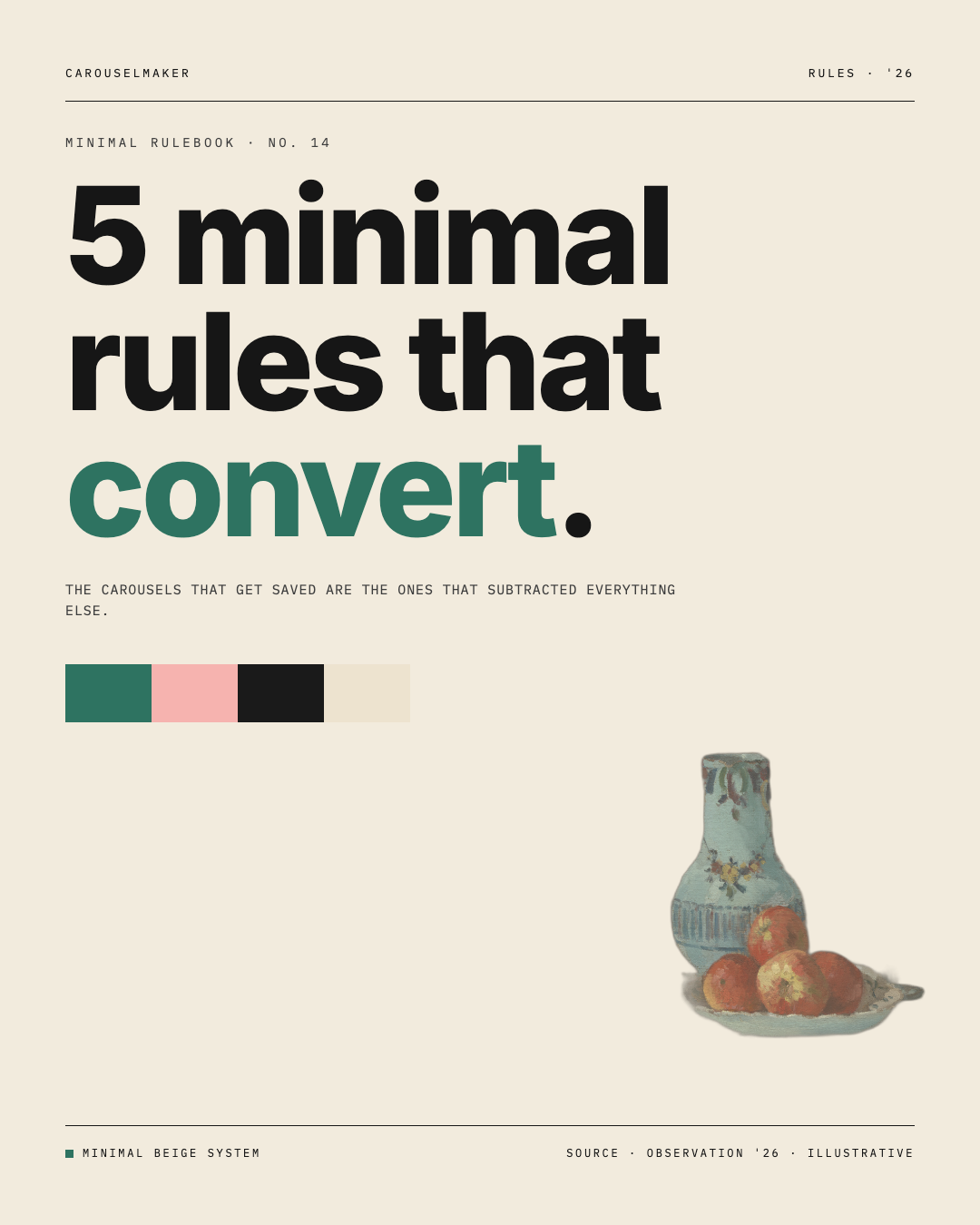
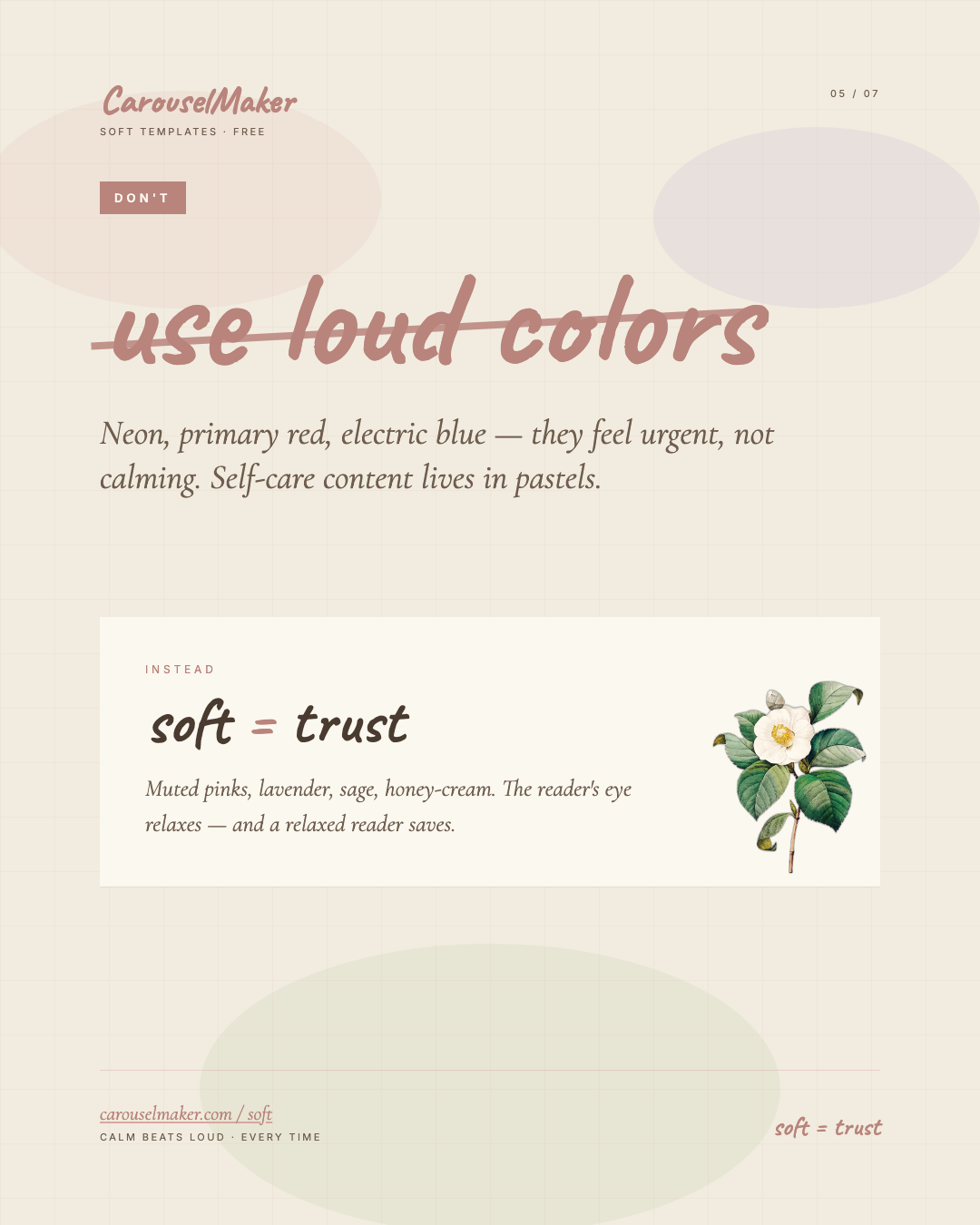
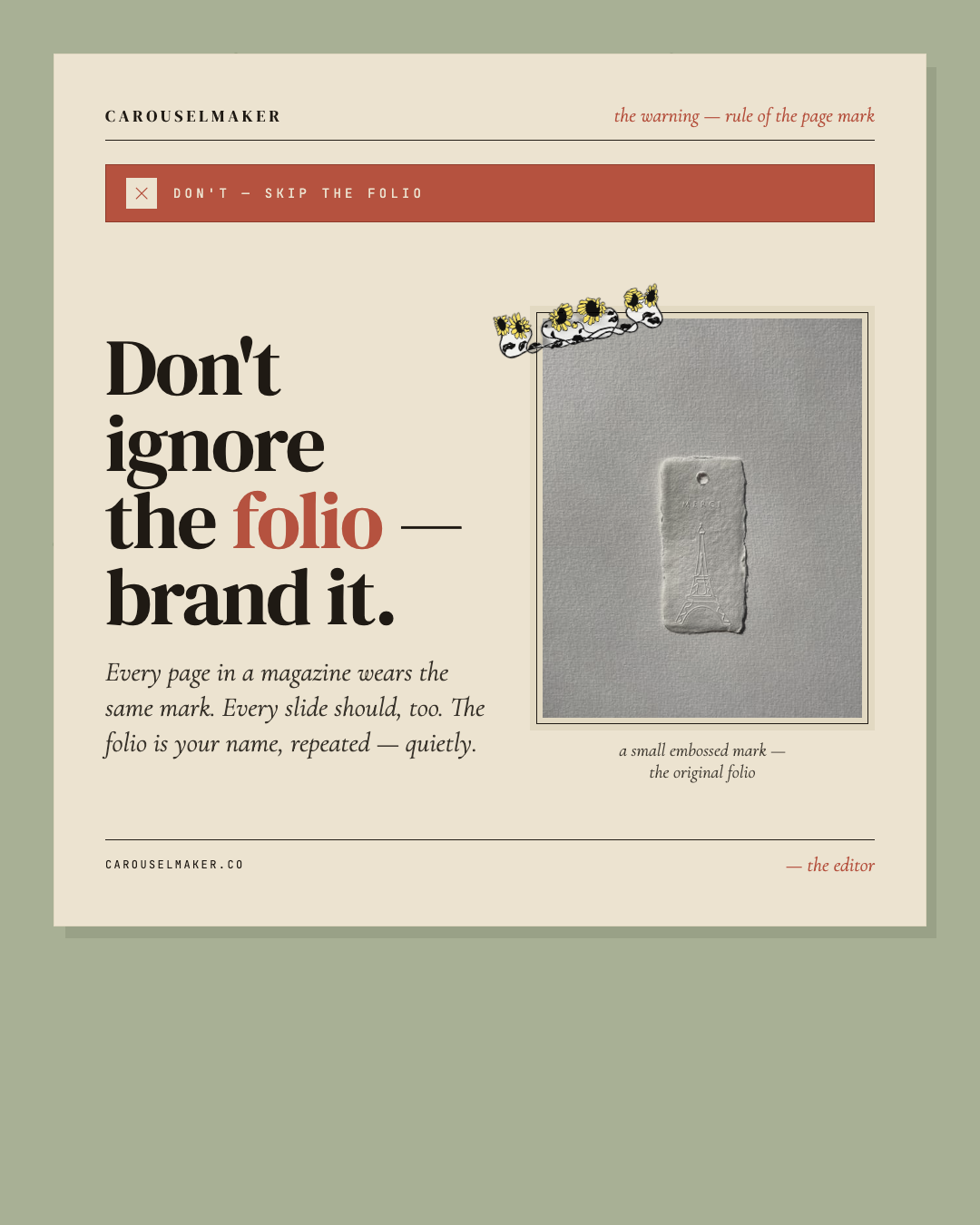
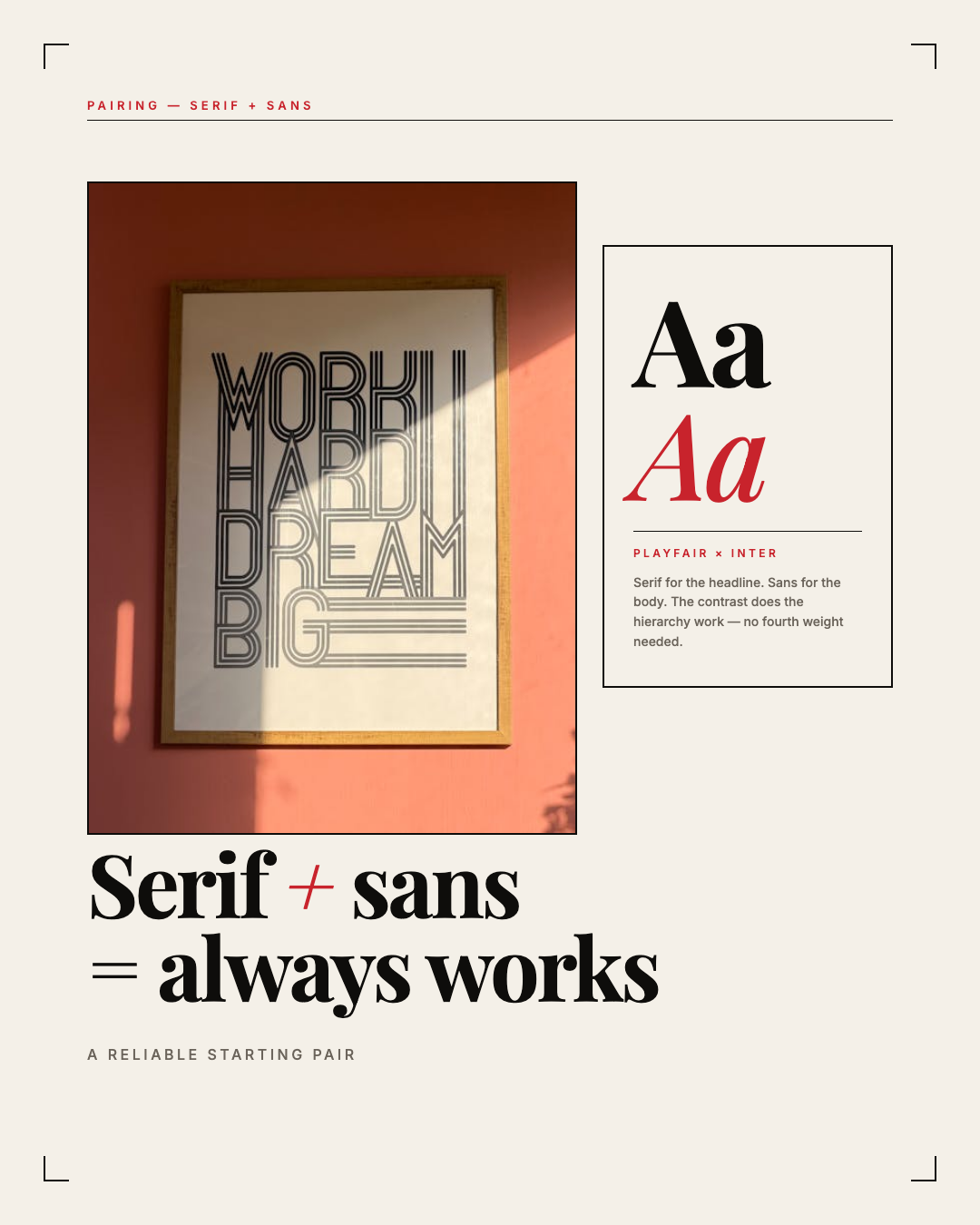
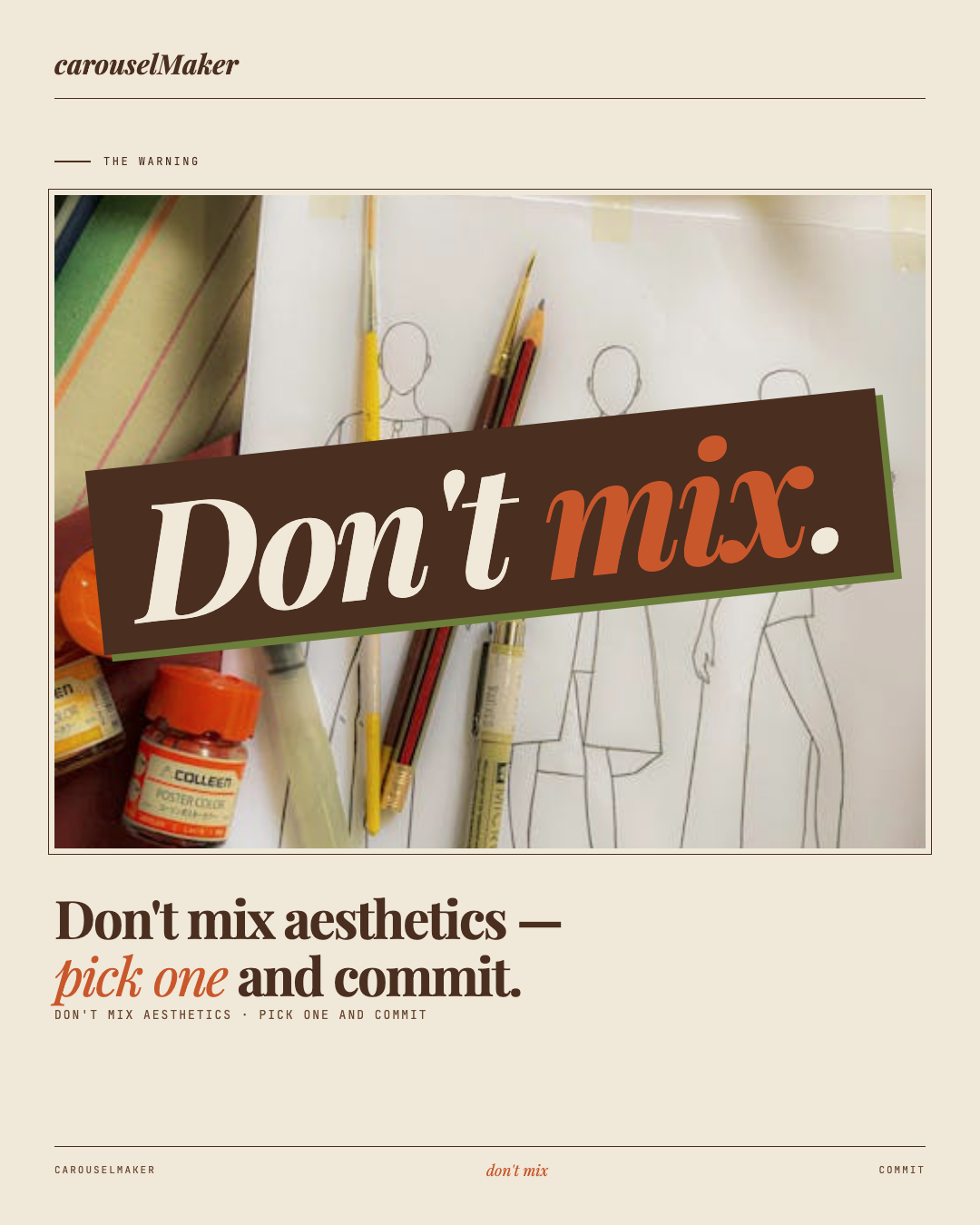
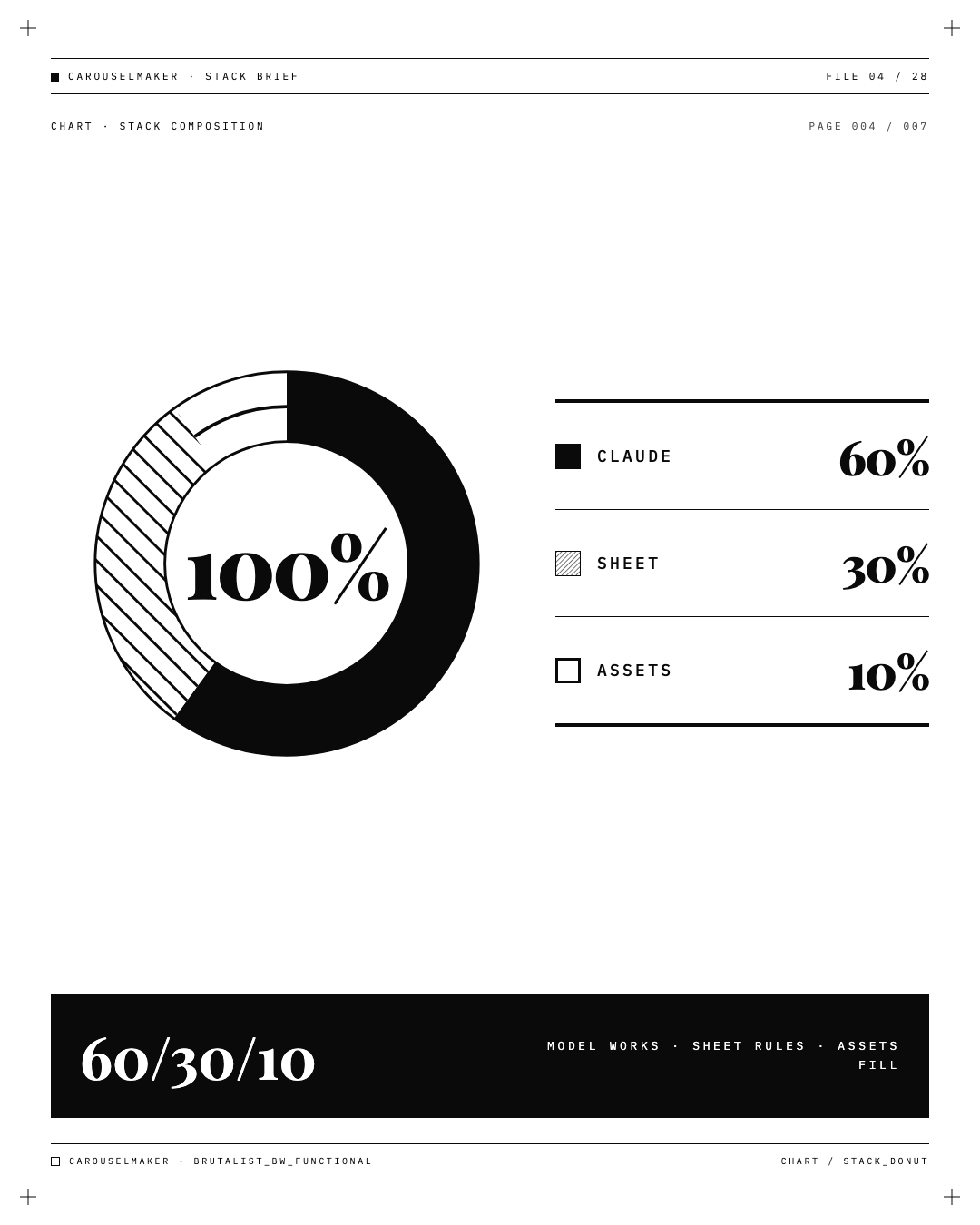
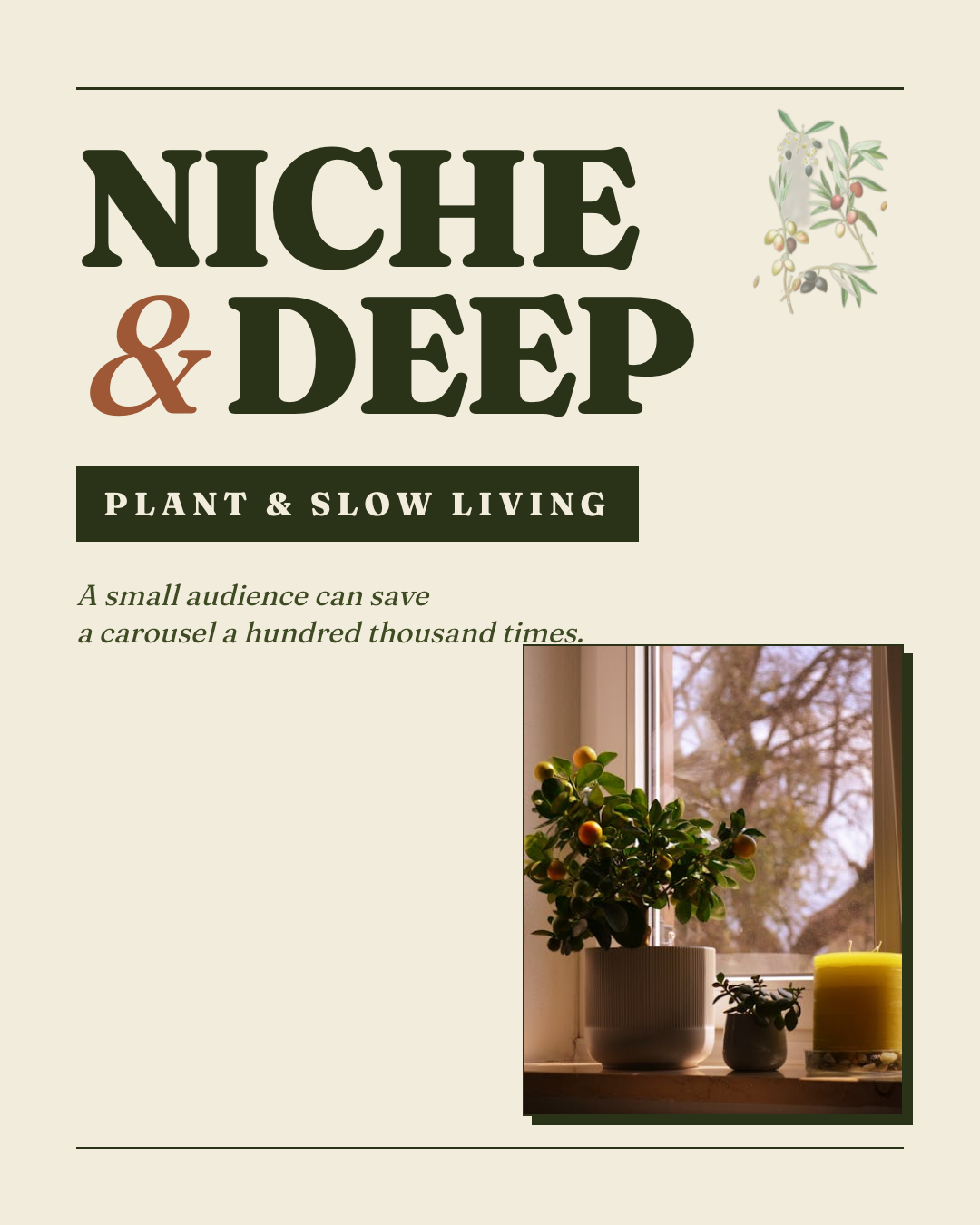
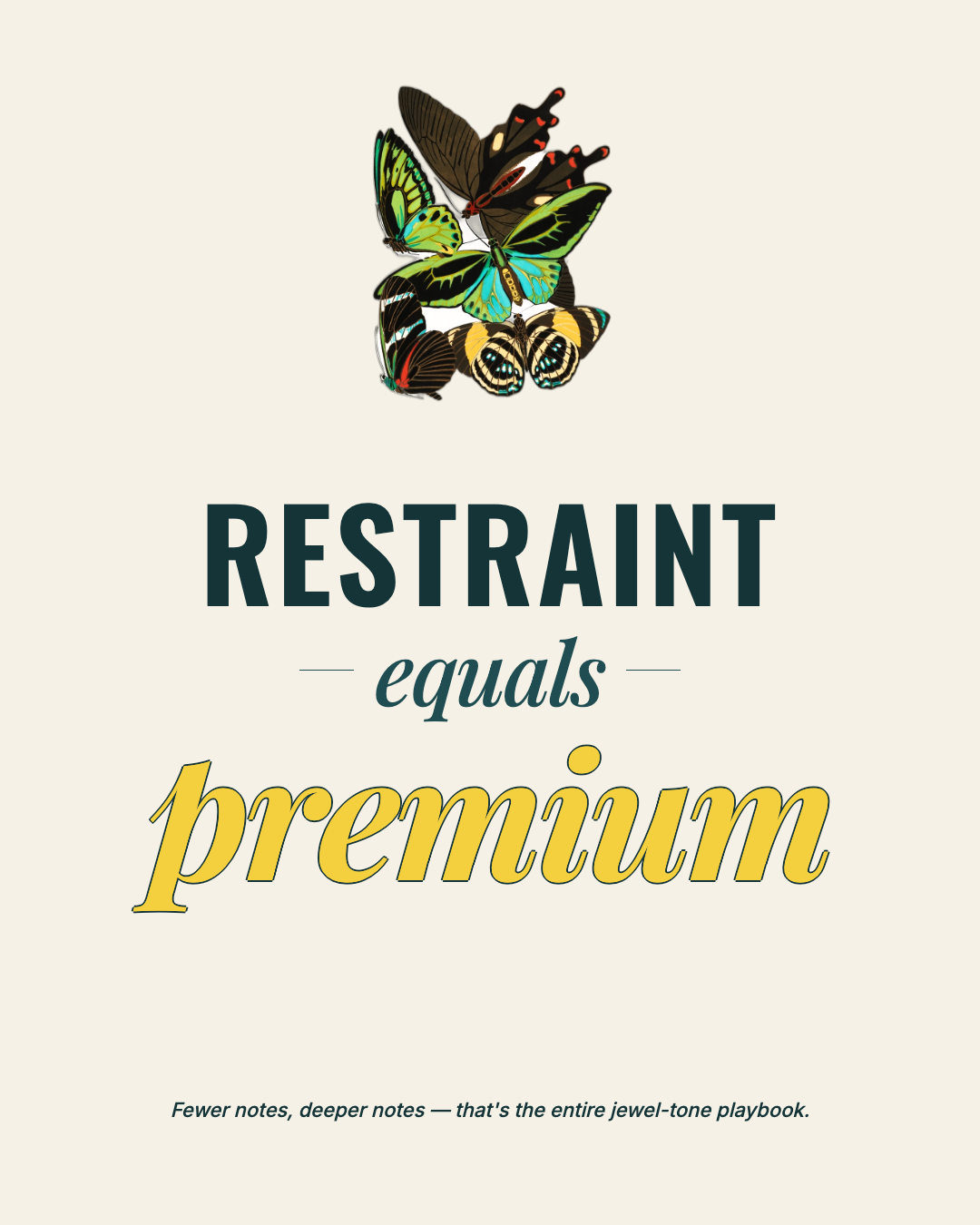
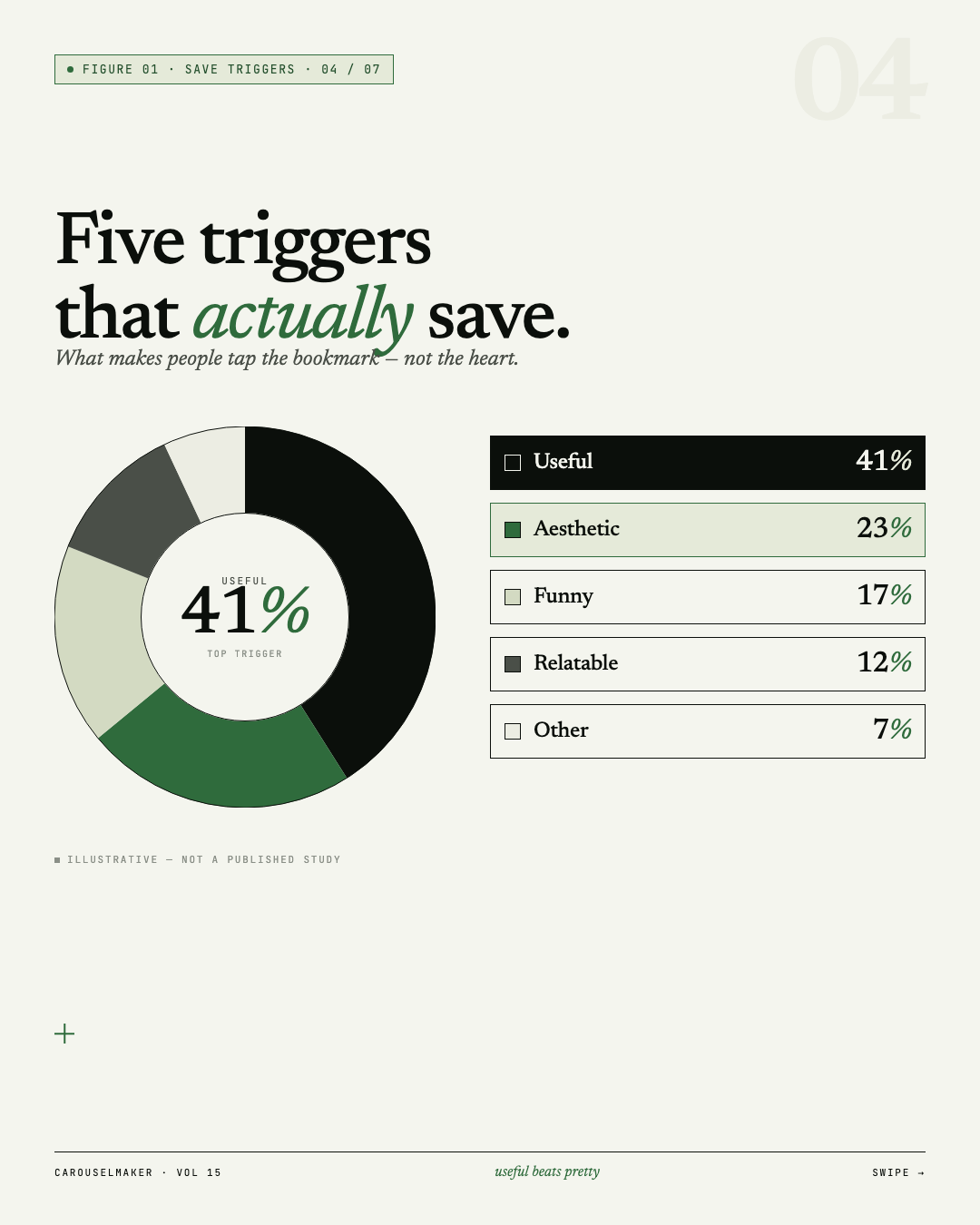
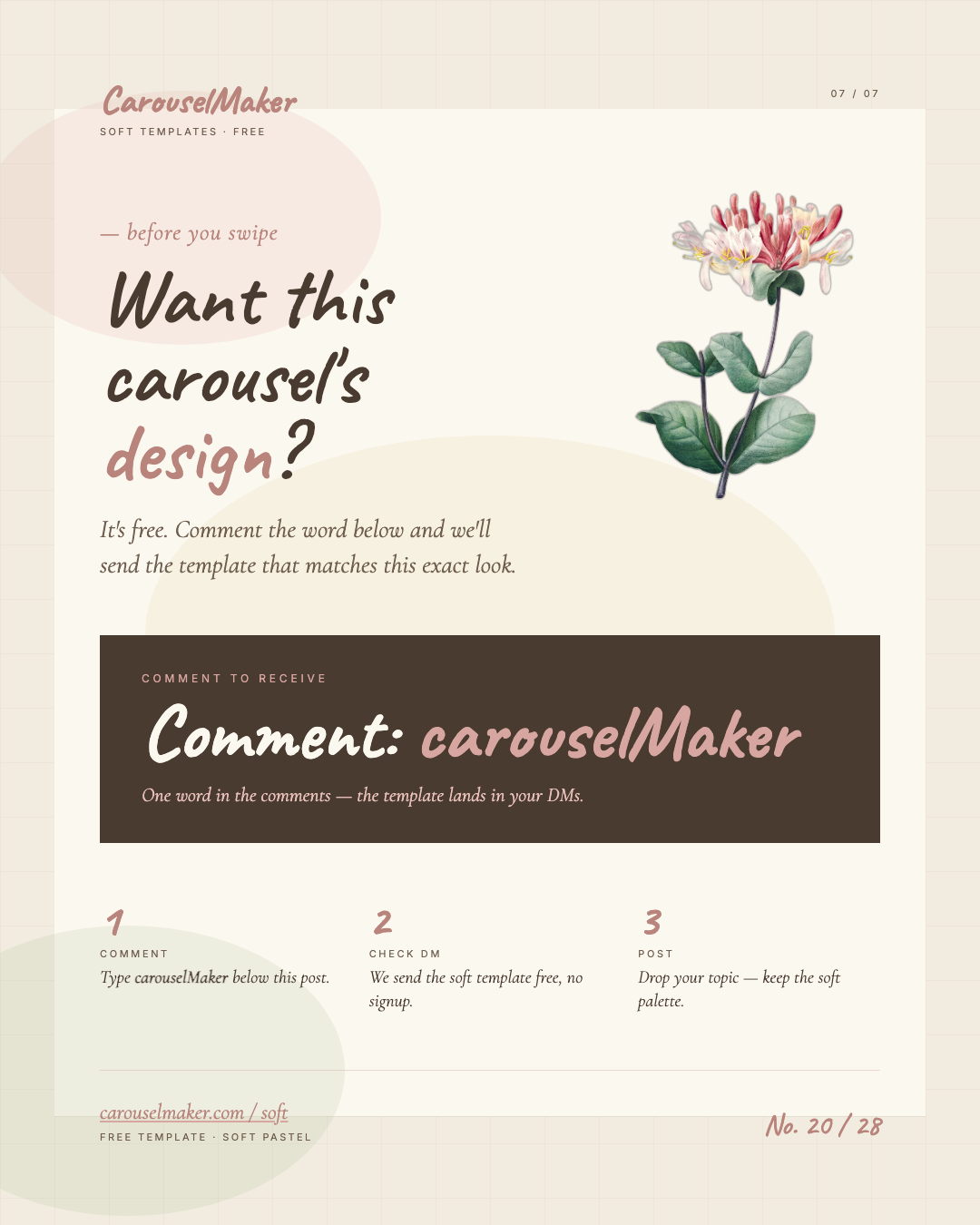
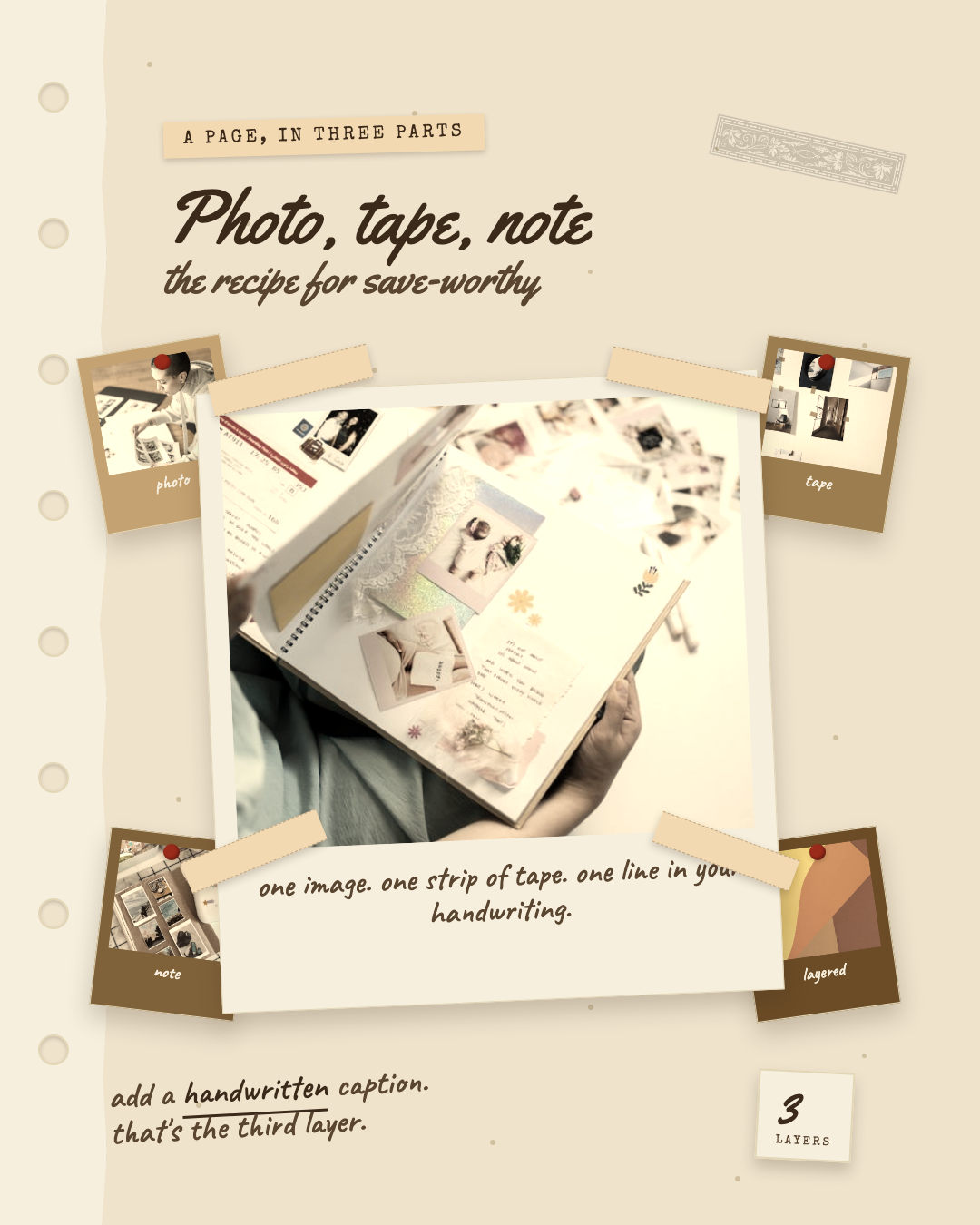
Great when you want to settle on a look first. Pick a template you like and just swap in your content.
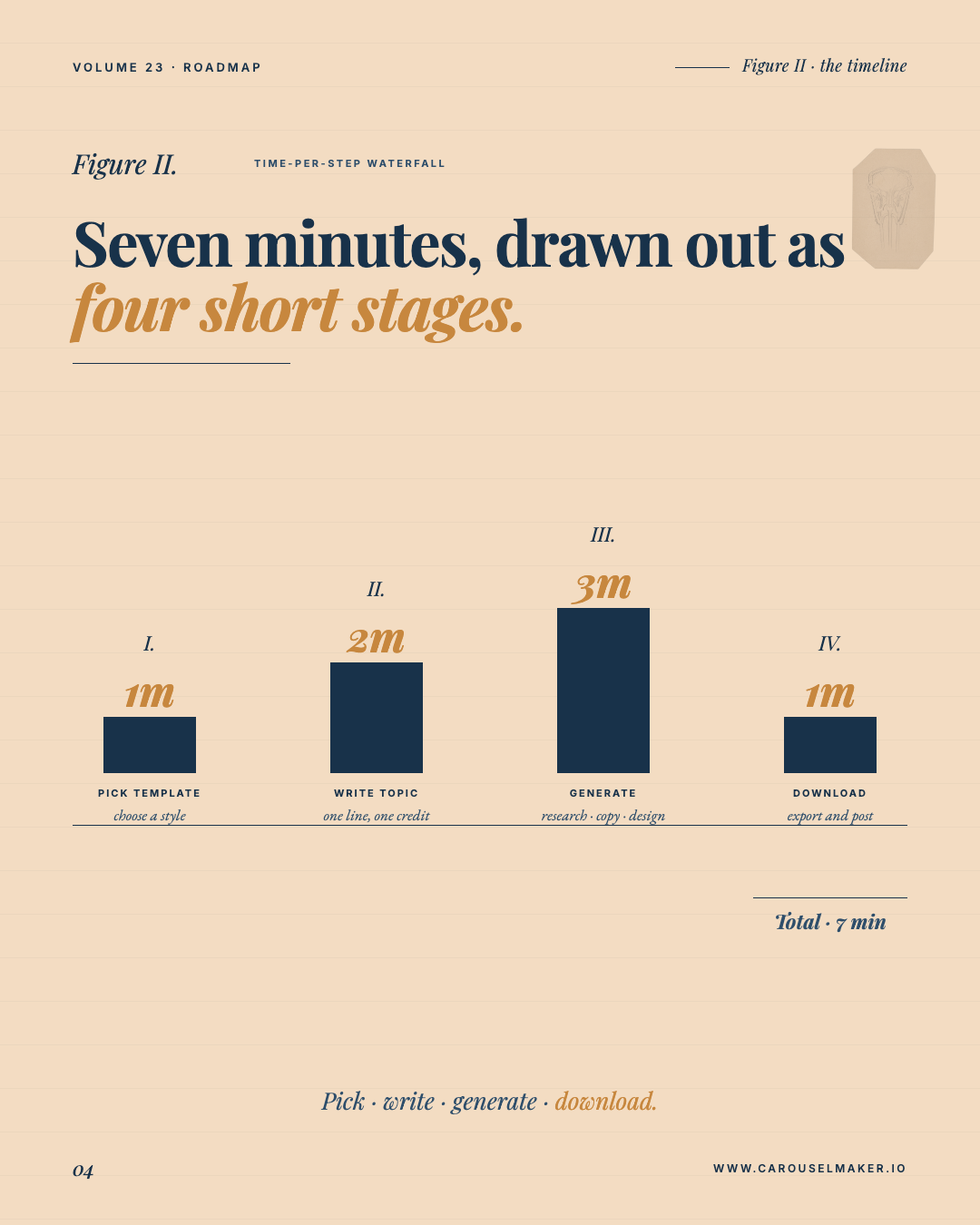
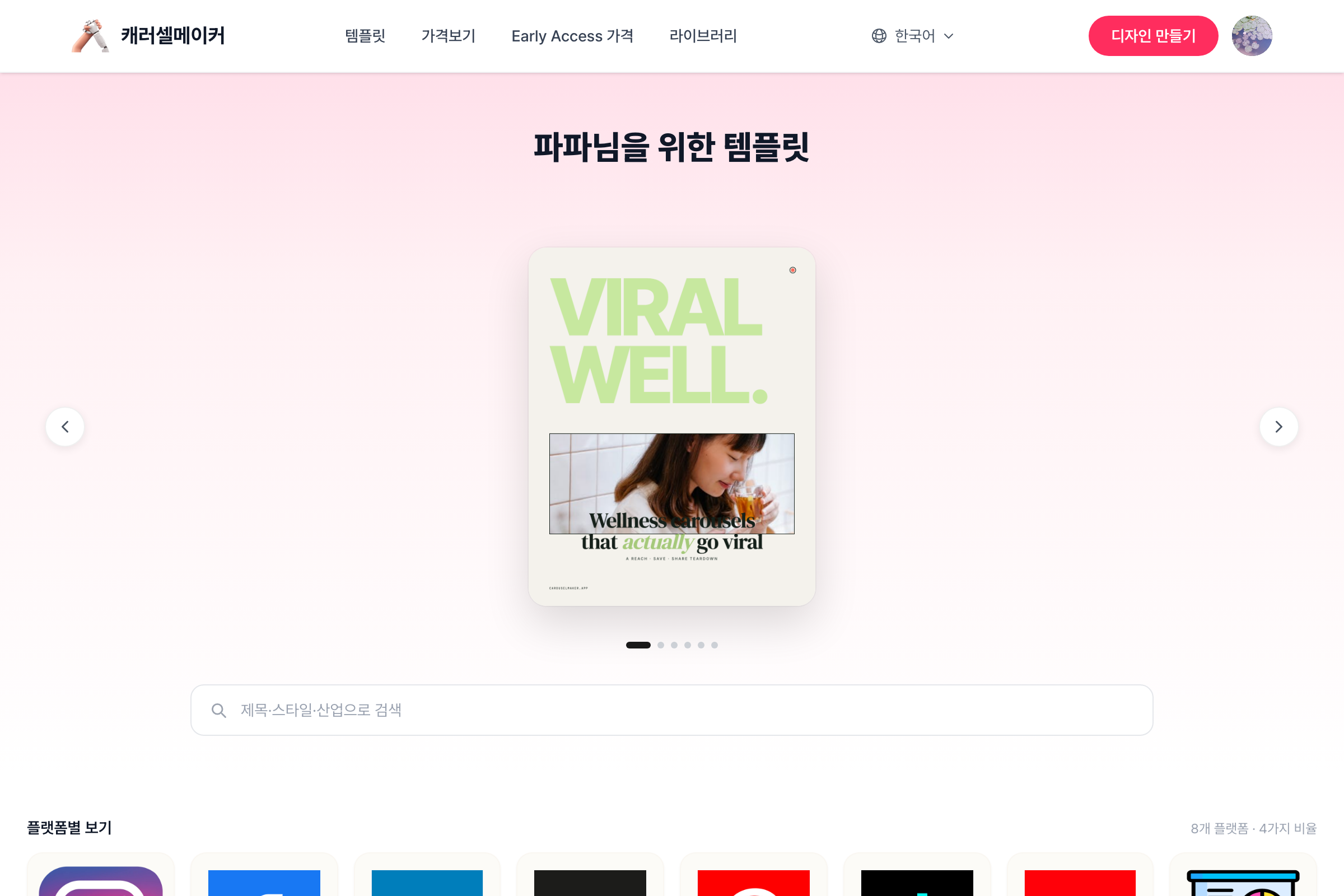
- Open Templates from the top menu.
- Narrow down by platform, industry, or ratio.
- Click a template to open it in the editor.
- Enter your topic and fill in the slide content.
- Download as PNG, JPG, or PDF.
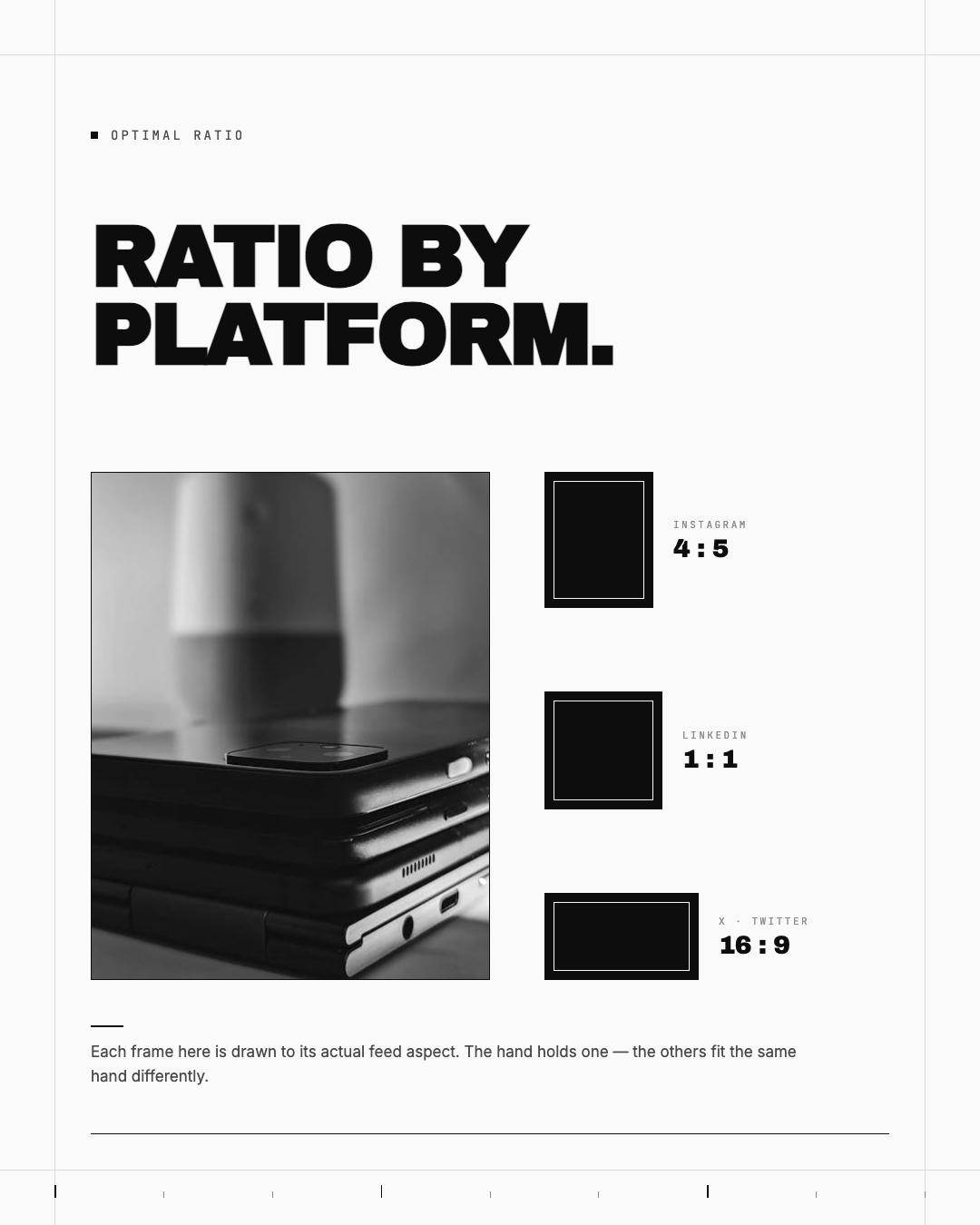
Pick the ratio (4:5, 1:1, 9:16, 16:9) that matches where you'll post.
Was this helpful?
Leave a rating to help us improve our help articles.
Thanks for the feedback
0.0 / 5 · 0 ratings
Ask us on Discord for a faster reply
Join Discord
Still have a question? Email lycoco067@gmail.com for help.